// PROJECT 04 TEXTURE GENERATOR
EZ-Texture
A local offline-first PBR texture generation tool built for 3D artists (WIP)
// FEATURES SUMMARY
Image or text
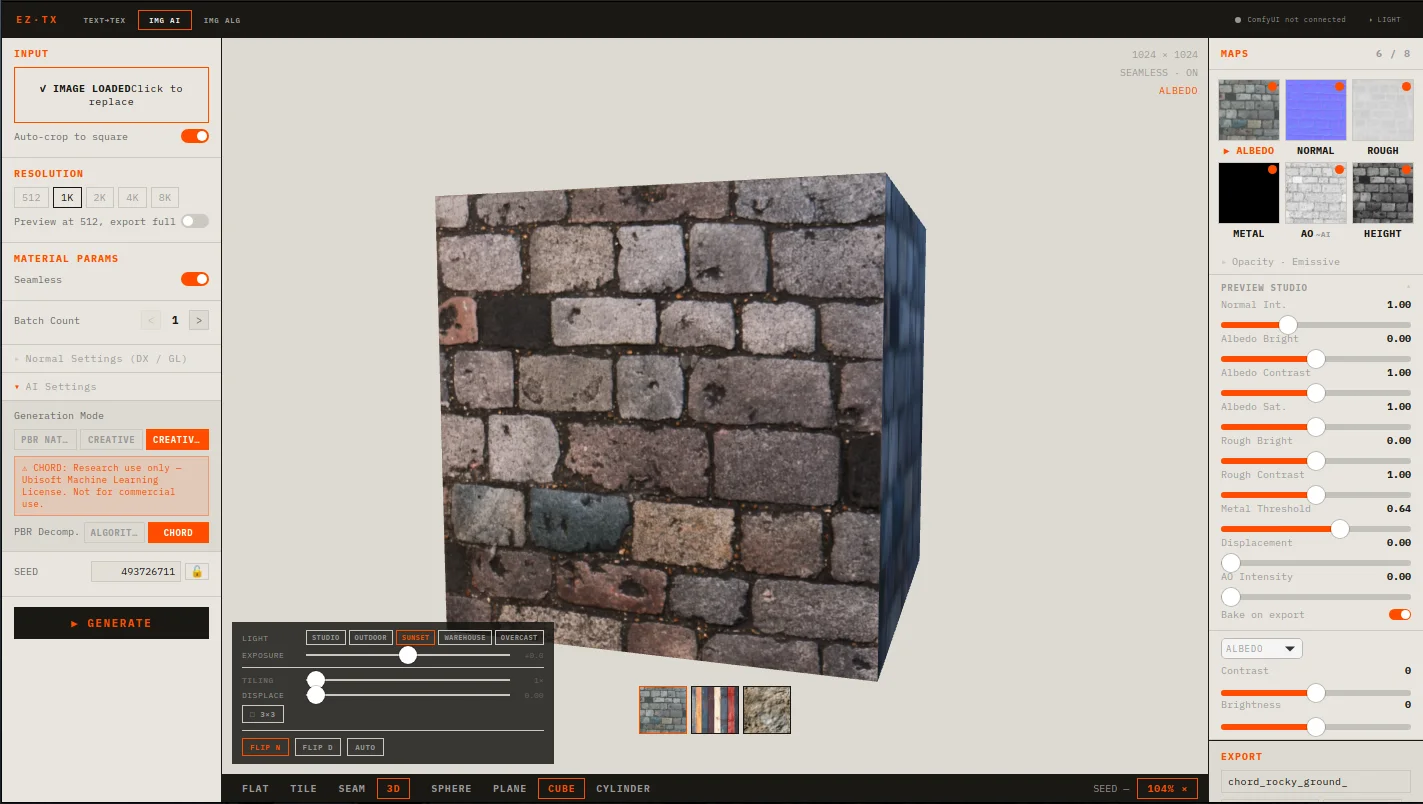
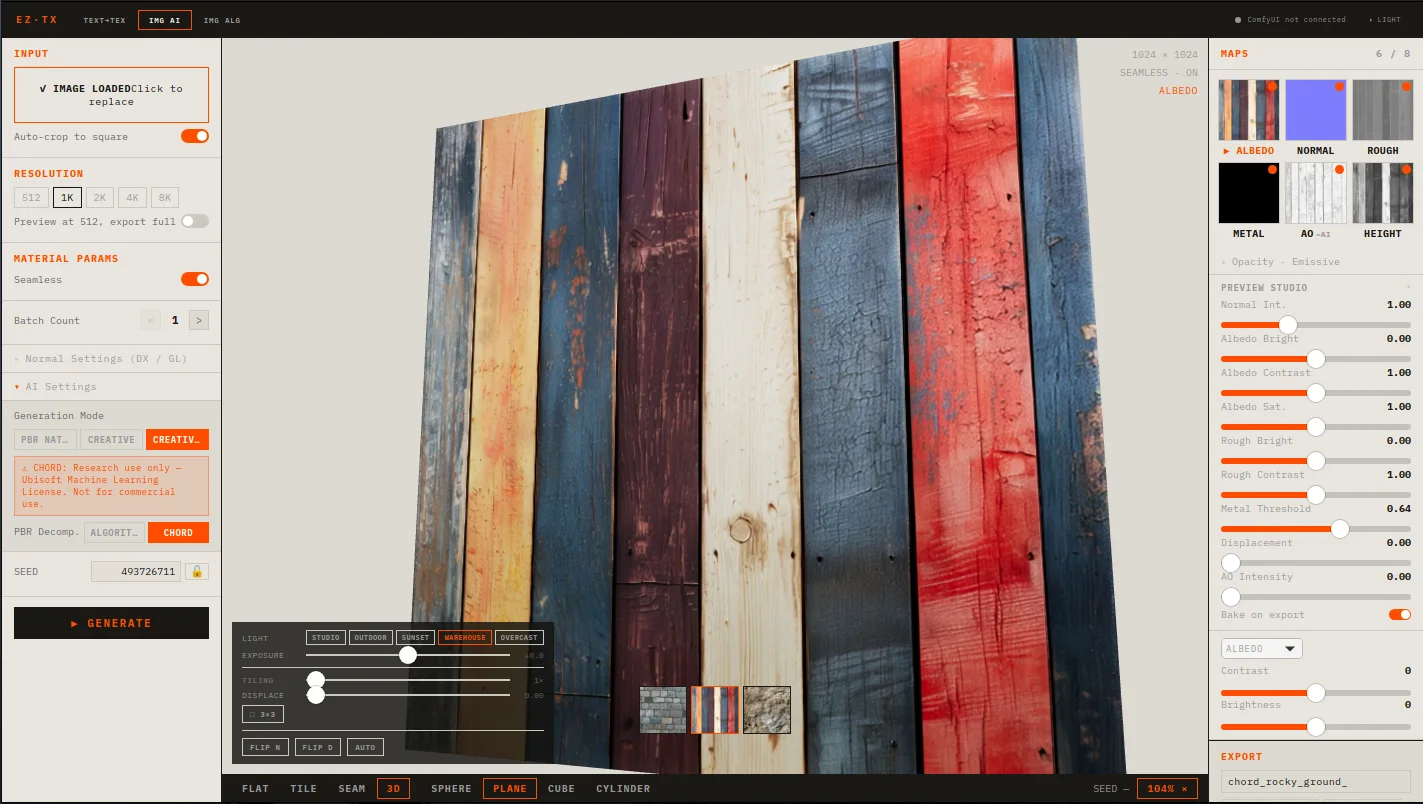
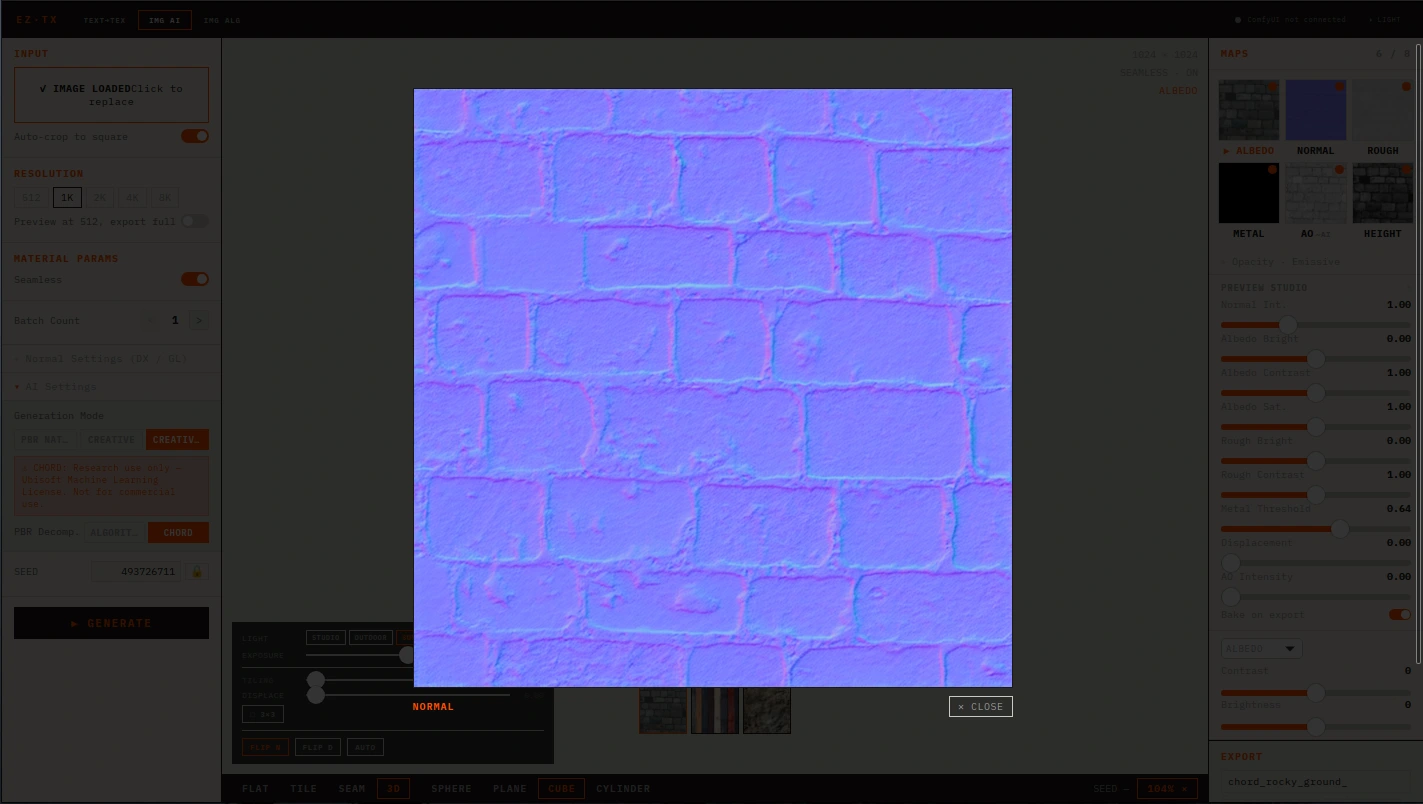
Upload a reference image or describe a material in plain text, and ez-texture produces a complete set of PBR maps: albedo, normal, roughness, metallic, height, and ambient occlusion. Results are previewed instantly in a real-time 3D viewport with HDRI lighting before export.
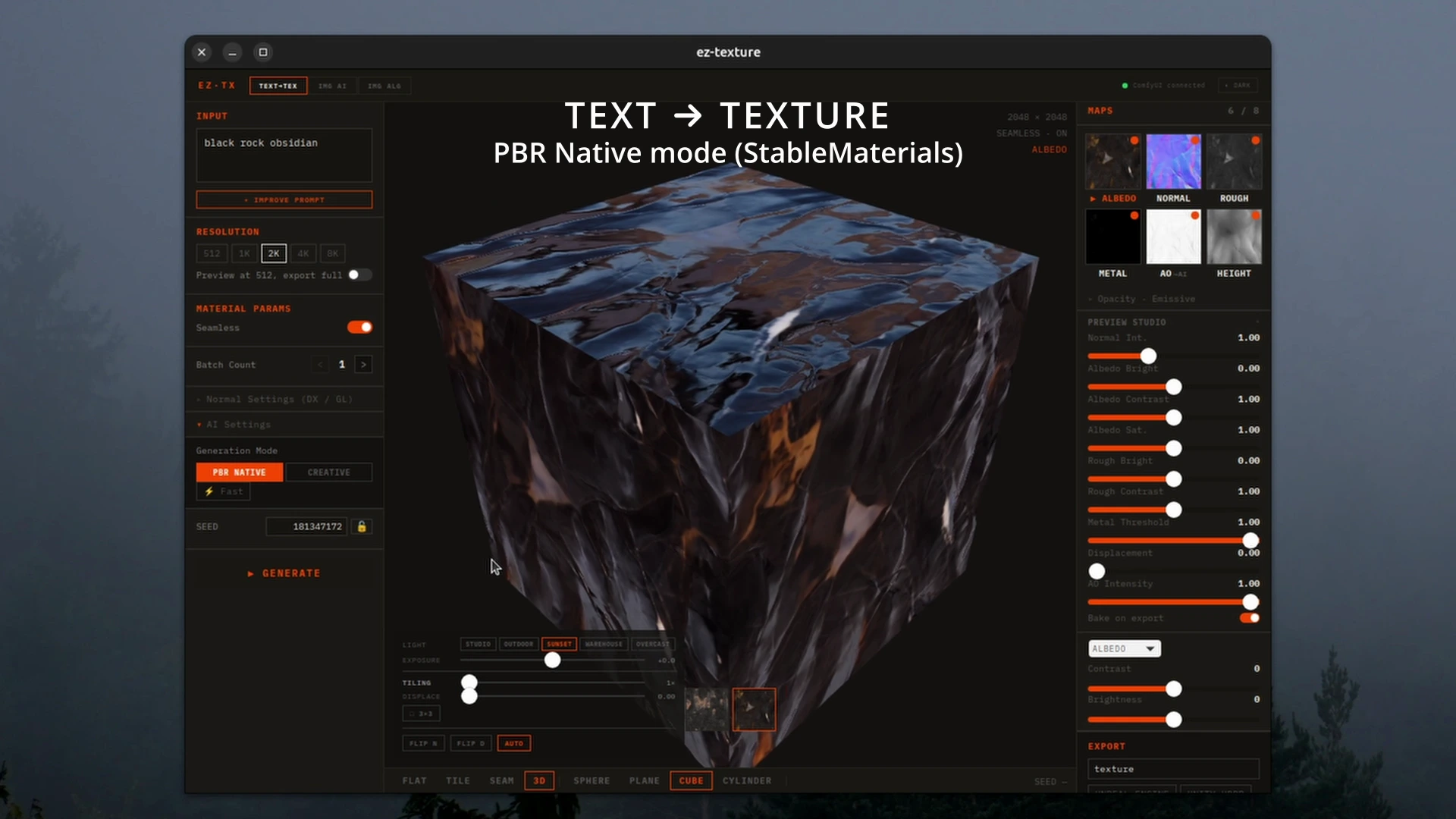
PBR NATIVE MODE
Text or image input routed through StableMaterials, a diffusion model trained specifically for physically-based material synthesis. Produces coherent, tiling-ready PBR sets in a single pass. Supports a fast mode (LCM, 4 steps) for rapid iteration.
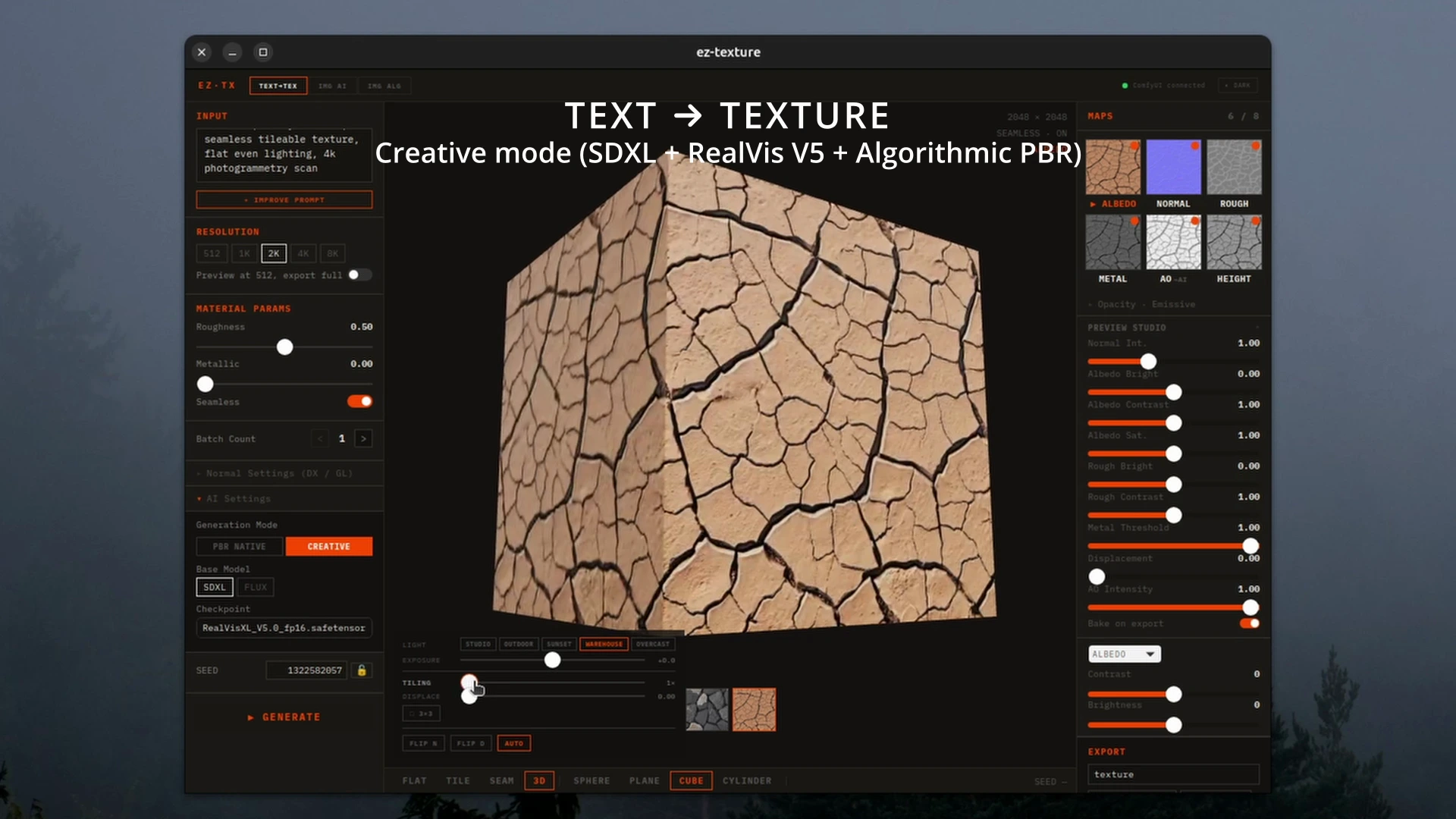
CREATIVE MODE
Text or image input through SDXL or Flux (via ComfyUI backend), with algorithmic PBR extraction. Good for stylized or art-directed looks where you want full control over the diffuse appearance before committing to PBR maps.
CREATIVE+PBR MODE
Image input through CHORD (Ubisoft LaForge), a research model that semantically decomposes a rendered image into its PBR components. Intended for converting reference photography or rendered albedos into material maps.
AI-assisted prompting
An "Improve Prompt" button sends your material description to Claude Haiku (Anthropic) to rewrite it as a diffusion-optimised prompt with tuned PBR parameters. Works from text input or a reference image (multimodal).
3D preview
Real-time material preview built on React Three Fiber and drei. HDRI environment presets (Studio, Outdoor, Sunset, Warehouse, Overcast), EV exposure control, tiling, auto-rotate, and post-processing sliders (brightness, contrast, AO intensity, roughness override) via GLSL shader uniforms — all without re-running inference.
Export
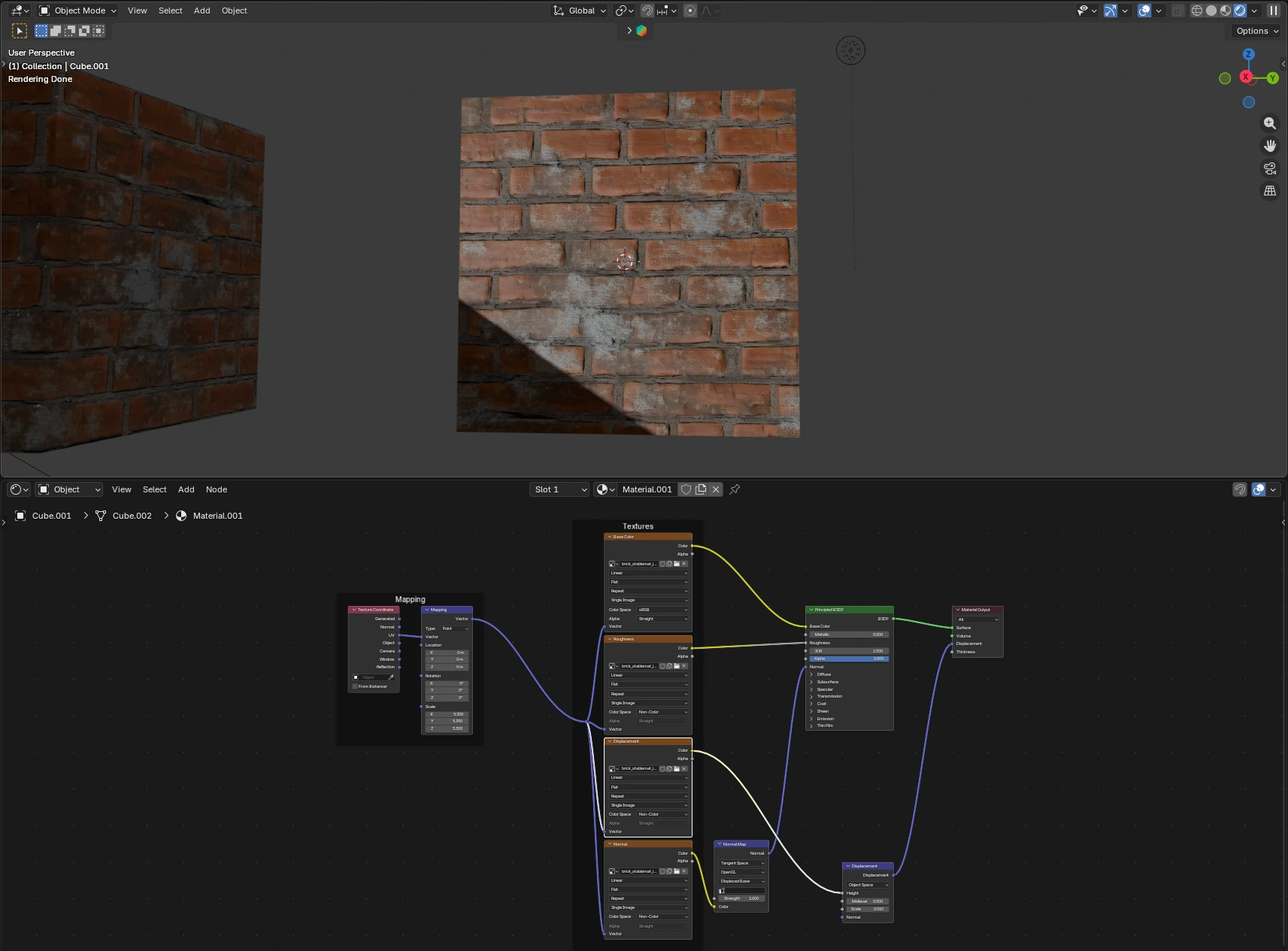
Export presets for Unreal Engine, Unity HDRP, Blender, glTF, raw (separate maps) and an optional advanced user defined preset
// OVERVIEW SUMMARY
In this project I wanted to dive deeper into a few of my interests.
One of them being AI and how it can help with speeding up different fields and workflows for prototyping.
I have some prior experience setting up and running local LLMs on my Linux machine using Ollama, LM Studio, Pinokio, Open WebUI and Docker, but less with local diffusion models.
My initial idea was quite simple: to create a texture generation application with real-time 3D preview.
By doing my own research and with the help of Claude Code, I was able to start creating something I thought I could actually make use of. Not necessarily for production use, but something for concepts and ideas. All of this without relying on connecting 3rd party LLM/AI. No subscription fees or external connections, just a local inference that runs offline.
The models would have to fit into low to medium spec hardware, so I had to keep that in mind while creating this and I think I found a pretty good balance. The current models fit just well into a 12GB VRAM GPU.
I chose to go with SDXL (text-to-image base model), ControlNet (SDXL extension framework for precise control), RealVis XL V5 (fine-tuned SDXL checkpoint model optimized for highly realistic photographs), StableMaterials (native PBR diffusion model) and lastly CHORD ("Ubisoft LaForge" a research model that decomposes rendered images into PBR components).
// STACK SOFTWARE
・ Desktop Shell: Tauri 2 (Rust) for easier cross-platform
・ Frontend: React + TypeScript
・ Backend: Python FastAPI sidecar (handles all inference, model loading and image processing)
・ Diffusion runtime: Huggingface "diffusers", "safetensors, "omegaconf"
・ 3D: Three.js via React Three Fiber + drei
// RESULT RETROSPECTIVE
The application is very much still in the early development stages. There are plenty of features and changes I want to make in the future, but it has started to slowly turn into the right direction.
// GALLERY SCREENSHOTS